BUMERANG · HOTEL · IN-ROOM DINING
Room service should not
wait for a phone call.
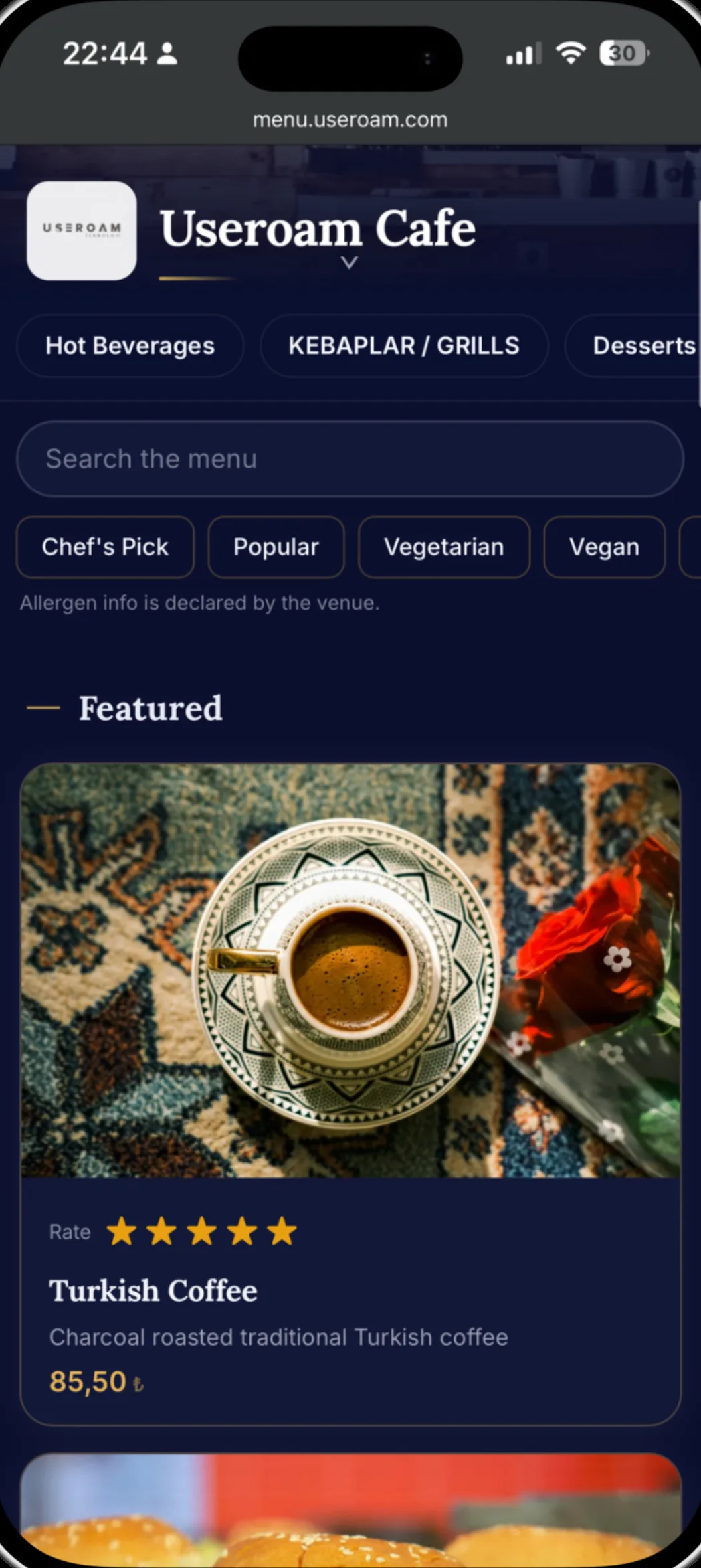
Guests scan the QR in the room, open the menu in their own language and place an order. The kitchen sees it, the guest sees the status, and the amount is written onto the request. Reception stops being an order line.
How an order travels
The guest chooses
The menu opens from the room QR or the portal. Prices come from the server, so nothing on the guest's phone can change them.
The kitchen sees it
The order lands on the call/kitchen screen and moves through new, preparing, ready and delivered.
The amount is recorded
The approved amount is written onto the request and appears in the end-of-day summary and the report.
The menu you already maintain
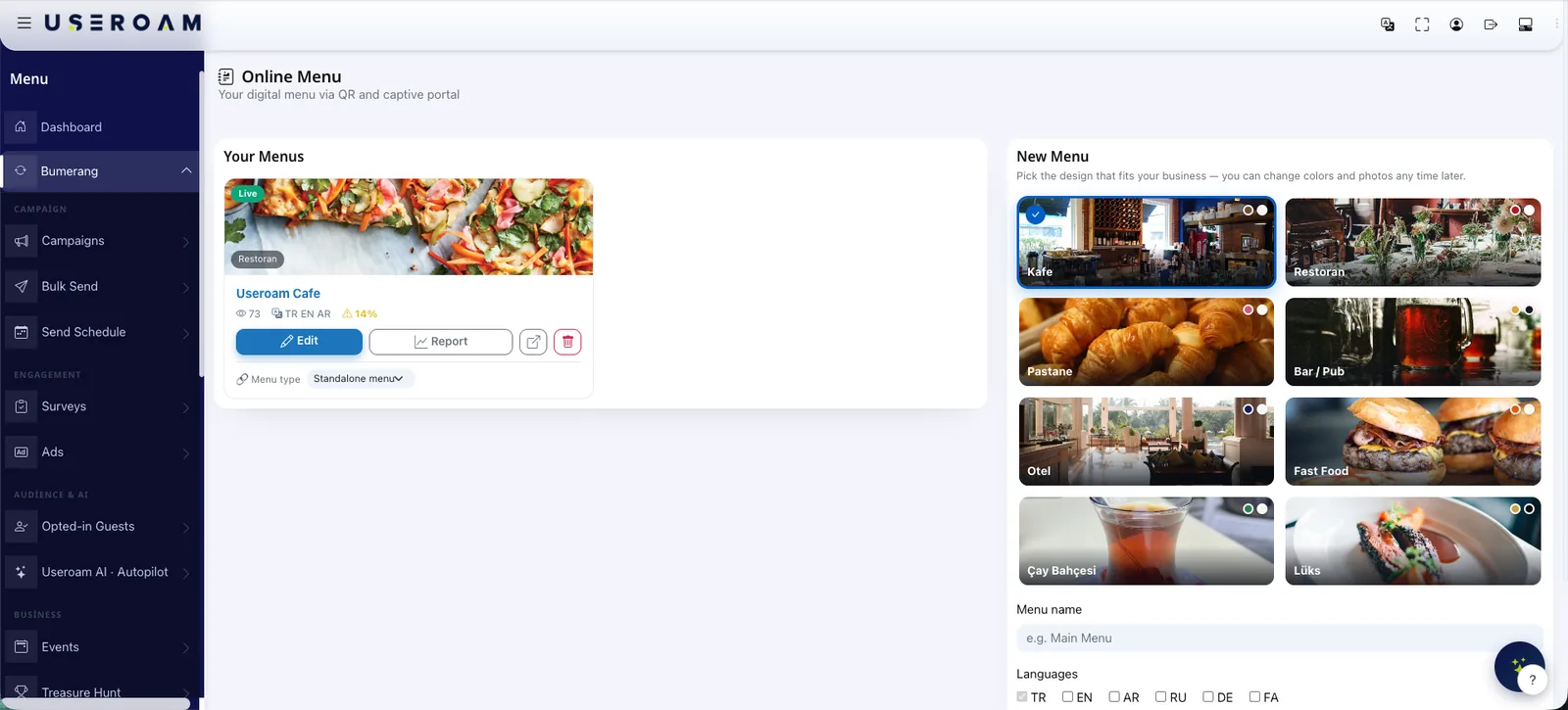
In-room dining is fed by the same system as your restaurant's QR menu: categories, products, variants, allergen and calorie data, time-based availability. There is no separate room service menu to maintain — define what should disappear outside breakfast hours and the system handles the rest.
Kitchen screen and staff
Orders appear as cards on the kitchen or service screen, and staff run the same flow from the app on their phone. Because room service is a request type, it collects in the same place as everything else: same SLA logic, same assignment, same report.
Where the amount goes
The approved order amount is written onto the request and lands in the end-of-day summary; reports show it by room and date. Useroam never posts to your PMS folio — financial records stay on the PMS side and are posted with reception approval.
Guests order in their own language
The menu can be published in six languages, right-to-left scripts included. Product names and descriptions are translated with AI support, so nobody has to guess what a dish is.
Let's set up in-room dining in a demo.
We will try your menu, your time rules and the kitchen screen together.
Frequently asked questions
Do guests need an app?
Is pricing safe?
Some items should close after breakfast.
Is the order amount posted to our PMS?
We also have a restaurant — is that a second system?
Related guides
What Is a QR Menu? Digital Menu Guide for Restaurants
A QR menu gives diners instant, contactless access to your menu from their phone. How it works, why it beats print and how it pairs with guest WiFi.
Hotel In-House Services: Digital Guest Engagement
From room service to late checkout, digital in-house service lets hotel guests make every request from their phone — cutting reception load and raising satisfaction.