PORTAL
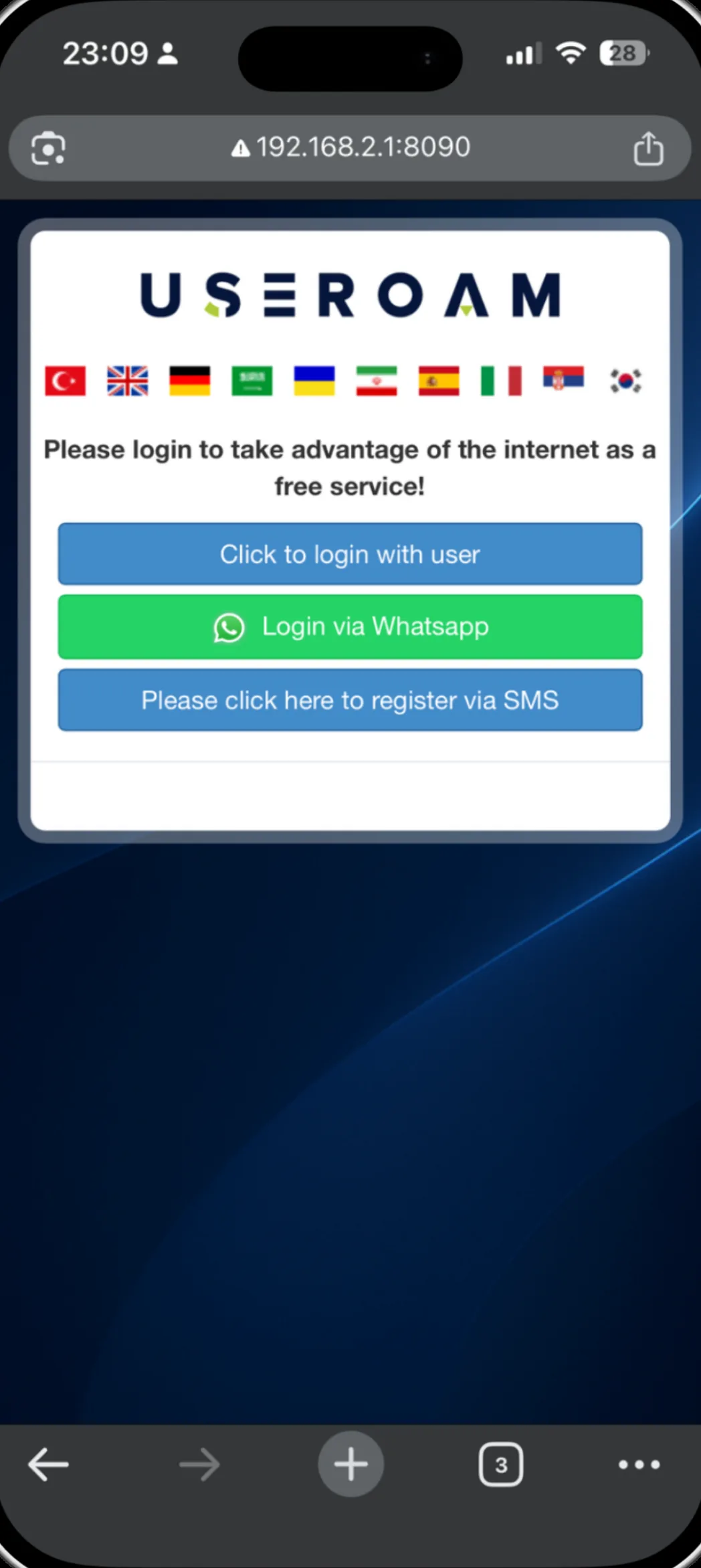
The screen guests see
after they connect
The moment a guest connects, you have their attention. The post-login screen lets you point it at your website, your social accounts, your menu or a short survey.
What is the post-login screen?
The post-login screen is what a guest sees once verification is complete. In most systems this is an empty "you are connected" message; in Useroam it is a space you control. You can send the guest straight to your website, invite them to follow your Instagram account, open your QR menu or show a short satisfaction survey.
For the full picture of the platform: Guest WiFi features
What you can put on it
Redirect
The guest is sent automatically to an address you define.
Instagram card
A card with your logo, account name and a Follow button.
Social icons
Facebook, X, YouTube and Pinterest appear for the accounts you fill in.
Menu and survey
Your QR menu link and a short survey can open on this screen.
Instagram follow: three levels, without locking the guest out
You choose how prominent the Instagram card is. At the soft level the card draws attention but the guest can start browsing straight away. At the middle level a short countdown appears and the screen opens by itself when it ends — the guest is never left without internet. At the top level browsing opens once Instagram is tapped. If Bumerang is active, you can also gate your welcome campaign so it goes only to guests who tapped through.
Good to know
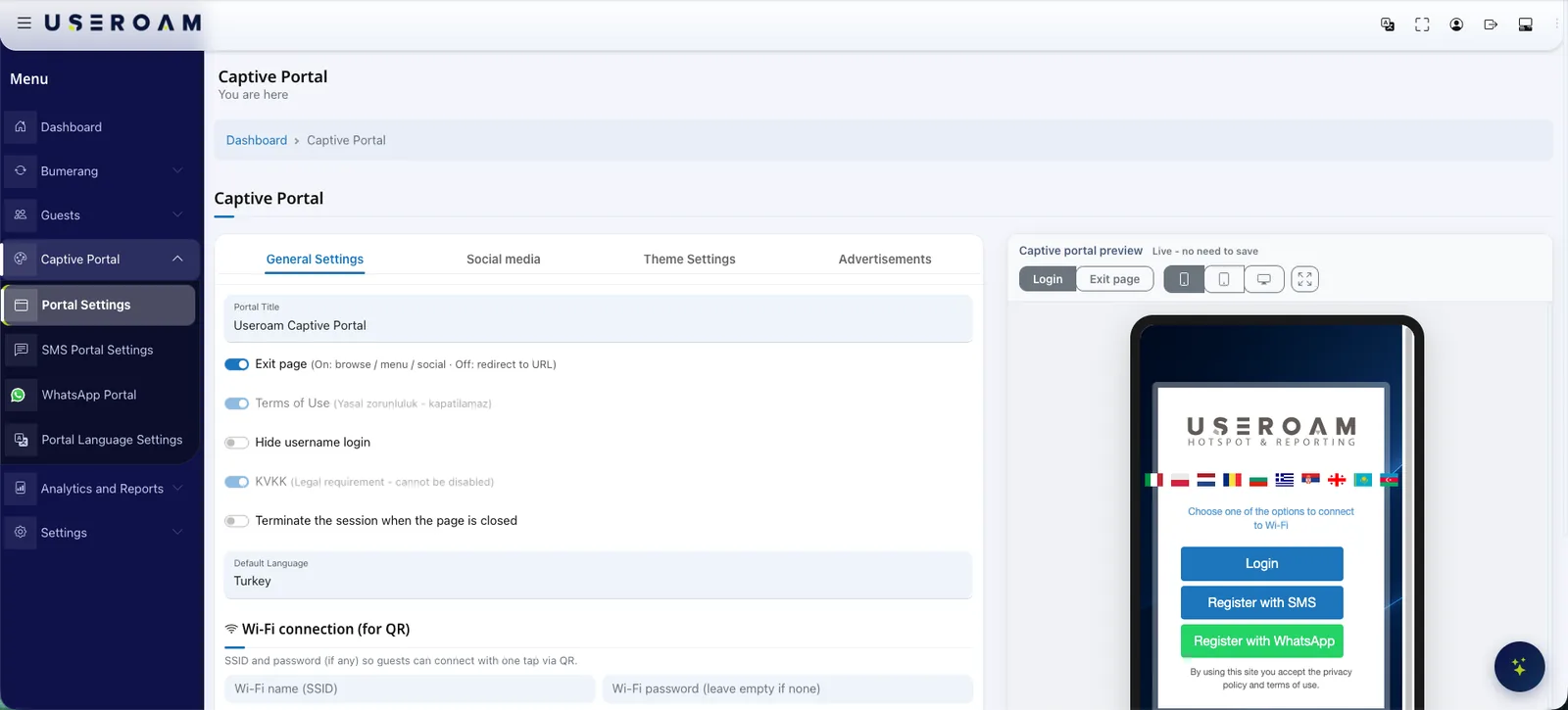
- Instagram can appear as a full card or as a button only; your portal logo is used as the avatar.
- Card copy is editable in 22 languages, so guests read it in their own.
- Social icons are drawn only for the accounts you fill in — empty networks are not shown.
- Returning guests who are already recognised are never gated behind the Instagram step.
Other guest WiFi features
This capability does not stand alone; these are parts of the same portal, managed from one panel.
See it on your own network.
Let us set up your welcome screen together in a demo environment — and try the login flow on your own phone.
Frequently asked questions
If a guest does not follow on Instagram, are they blocked?
Is my Instagram profile photo pulled in?
Can I redirect guests to my own website?
Does this screen work on every device?
Related guides
What Is a Captive Portal and How Does It Work?
The captive portal is the sign-in screen guests see when they join your WiFi. Here is how it works, what it does for your business and why cloud-based portals win.
What Is WiFi Marketing? Turn Guest WiFi into Revenue
WiFi marketing converts the consented data your guest WiFi collects into campaigns, surveys and loyalty — turning one-time visitors into measurable revenue.
How to Get More Google Reviews with WiFi Surveys
The reliable way to grow Google reviews: ask happy guests at the perfect moment and resolve unhappy ones internally — all through your guest WiFi.