GUEST VERIFICATION
Room number login for hotel WiFi
In-house guests type their room number and surname and connect. Identity was already taken at the front desk, so nobody is asked for it twice.
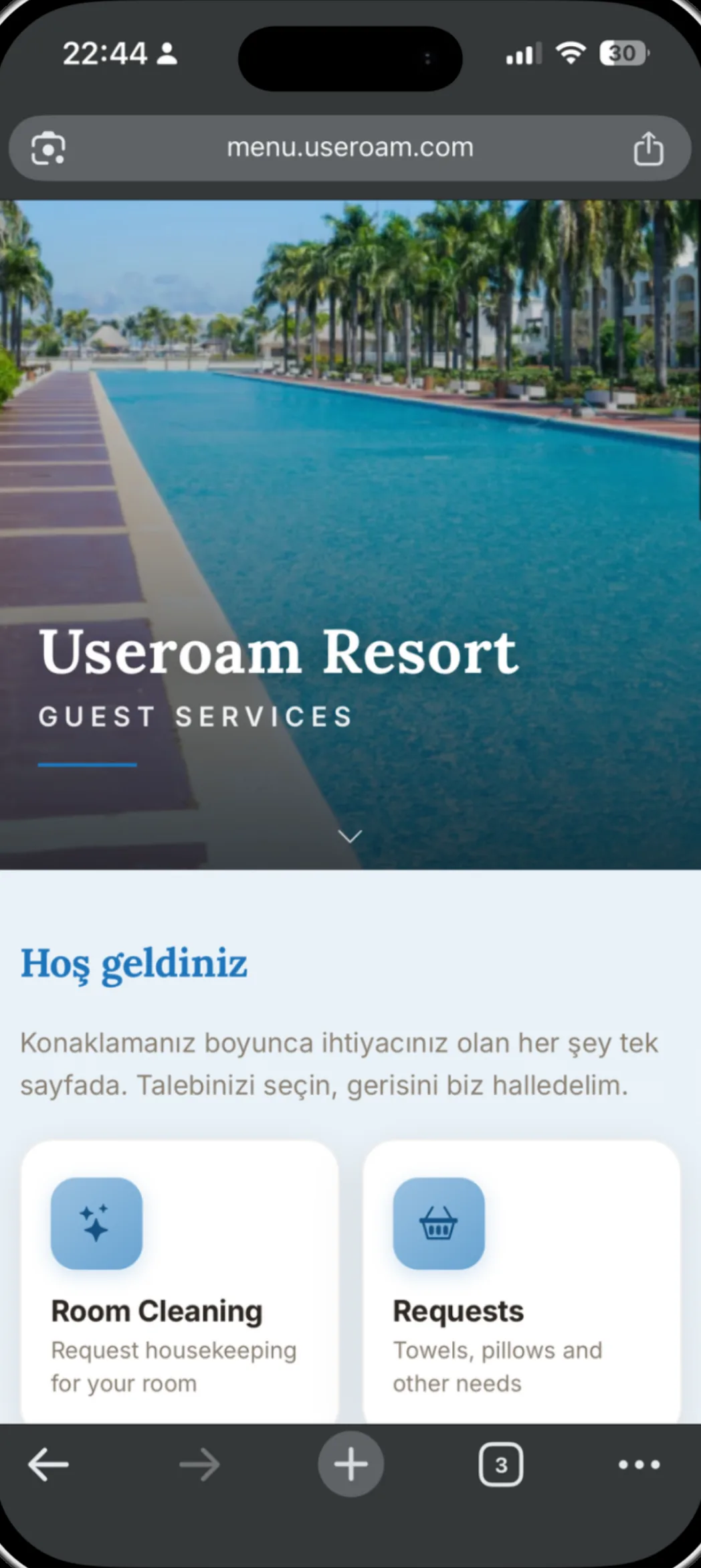
How does room number login work?
Useroam reads the in-house guest list from your PMS at regular intervals. When a guest enters their room number and surname on the welcome screen, the entry is matched against the PMS record and the session opens on a match. When the guest checks out, access closes by itself — nobody stays on your network after they leave the room.
For the full picture of the platform: Guest WiFi features
From setup to guest
Connect the PMS
Ready integrations exist for Elektra, Fidelio/Opera and Sedna; the in-house list is read at regular intervals.
The guest connects
The welcome screen asks for room number and surname.
The match is checked
The entry is compared against the stay record in the PMS.
Access closes at check-out
When the guest checks out, the session is terminated automatically.
Room number does not have to be the only method
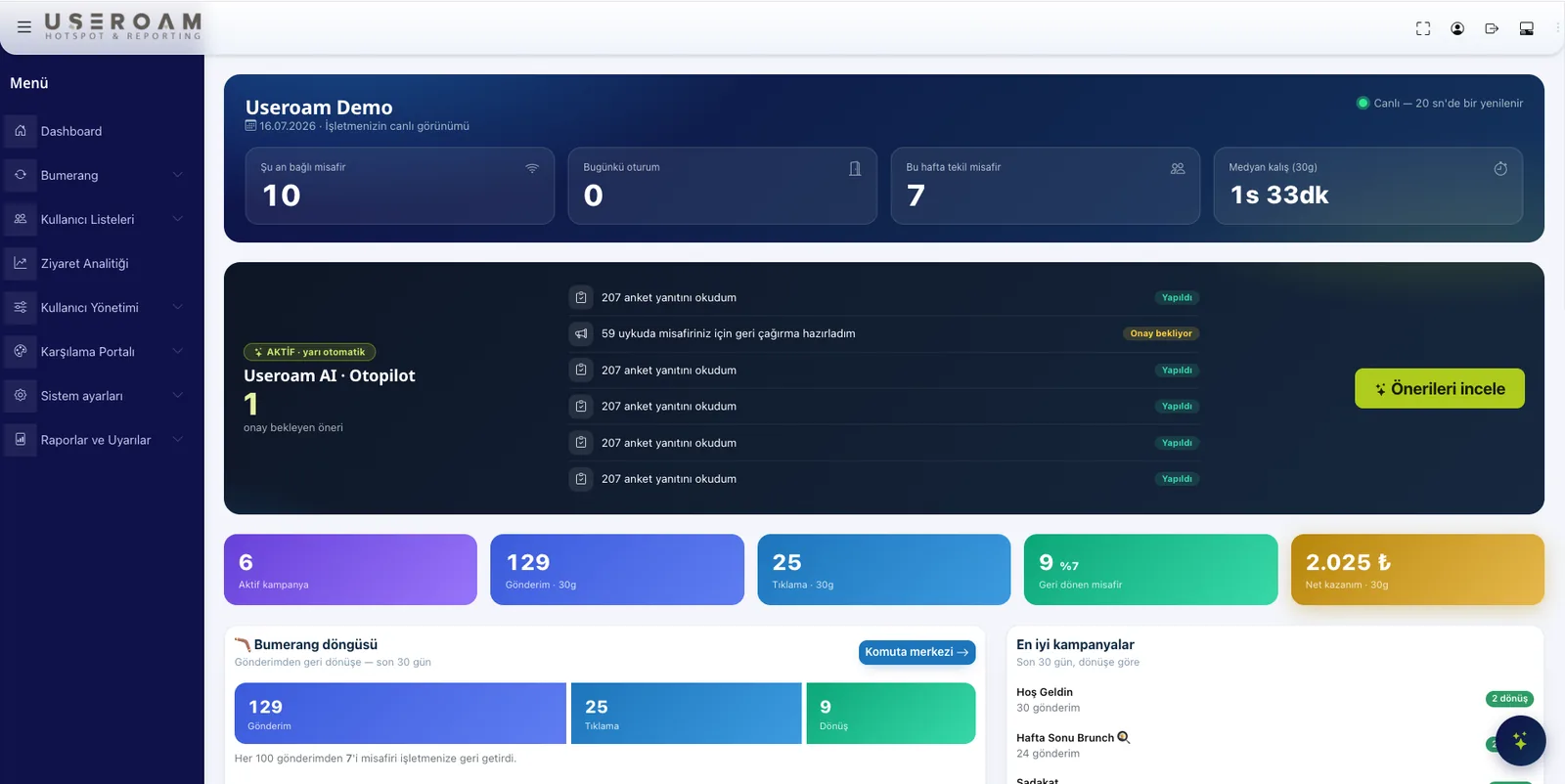
Most hotels keep room number enabled alongside SMS or WhatsApp verification: in-house guests use the room number, while day visitors and conference attendees use their phone. The same portal serves both, and reports show which guest arrived through which route.
Good to know
- Ready integrations exist for Elektra, Fidelio/Opera and Sedna; other PMS platforms are assessed case by case.
- If the PMS connection drops, guest logins keep working for a grace period — no queue forms at the front desk.
- In-house access and day-visitor access can be bound to separate speed and duration rules.
- Access records for room-number logins are signed daily with an RFC 3161 timestamp from an accredited timestamp authority and retained, as with every other method.
Other guest WiFi features
This capability does not stand alone; these are parts of the same portal, managed from one panel.
See it on your own network.
Let us set up your welcome screen together in a demo environment — and try the login flow on your own phone.
Frequently asked questions
Which PMS platforms are supported?
Can a guest connect after check-out?
What happens if the PMS connection fails?
Can I combine room number with phone verification?
Related guides
Hotel In-House Services: Digital Guest Engagement
From room service to late checkout, digital in-house service lets hotel guests make every request from their phone — cutting reception load and raising satisfaction.
WiFi Authentication with SMS and WhatsApp Verification
How phone-based guest WiFi verification works over SMS and WhatsApp — what each method offers, when to use which, and how sessions are logged.
How to Set Up Guest WiFi: A Step-by-Step Guide
A practical, step-by-step guide to building a secure and user-friendly guest WiFi network — from capacity planning and network isolation to authentication and captive portals.