PORTAL
Multilingual captive portal
Guests read the welcome screen in their own language. 22 languages are supported, and right-to-left scripts such as Arabic flip the layout as well as the text.
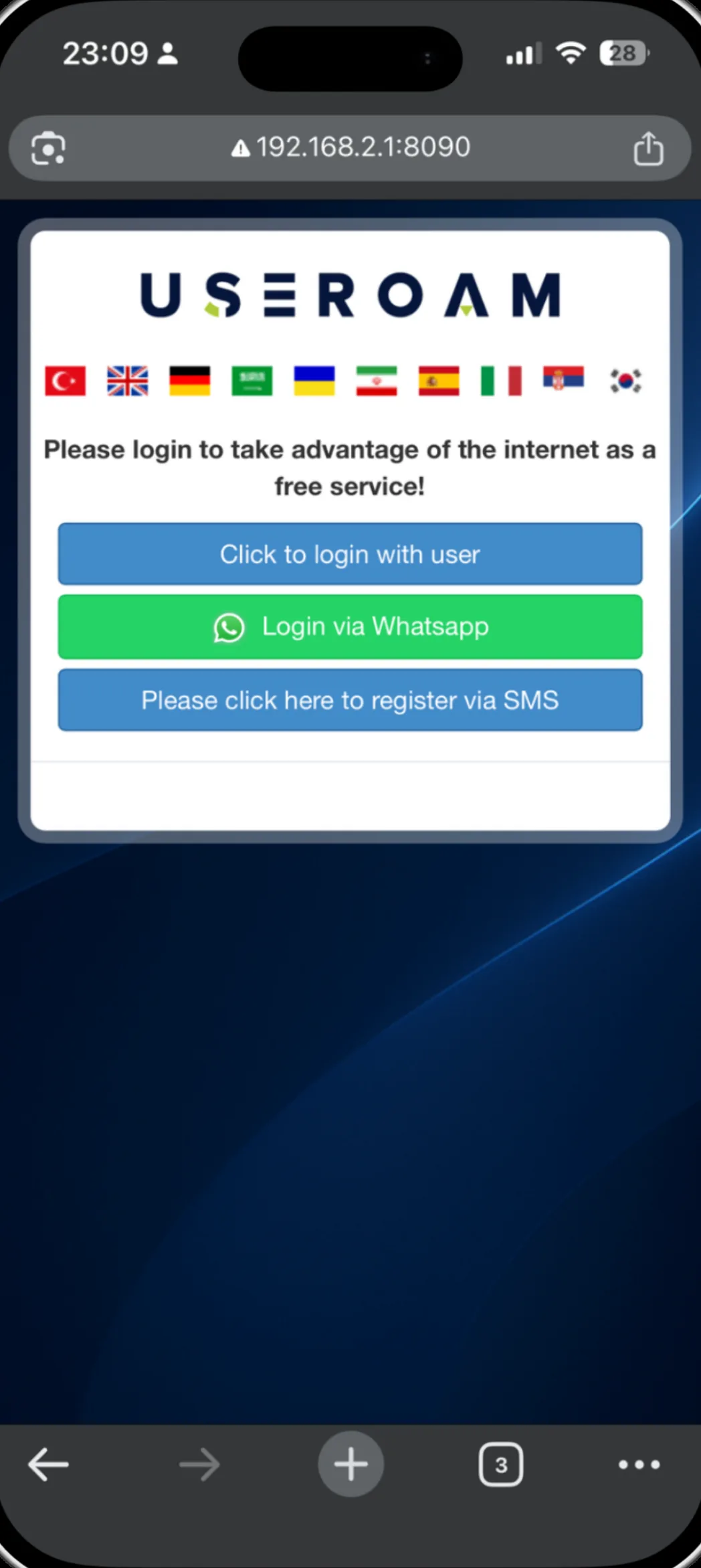
Why language decides connection rate
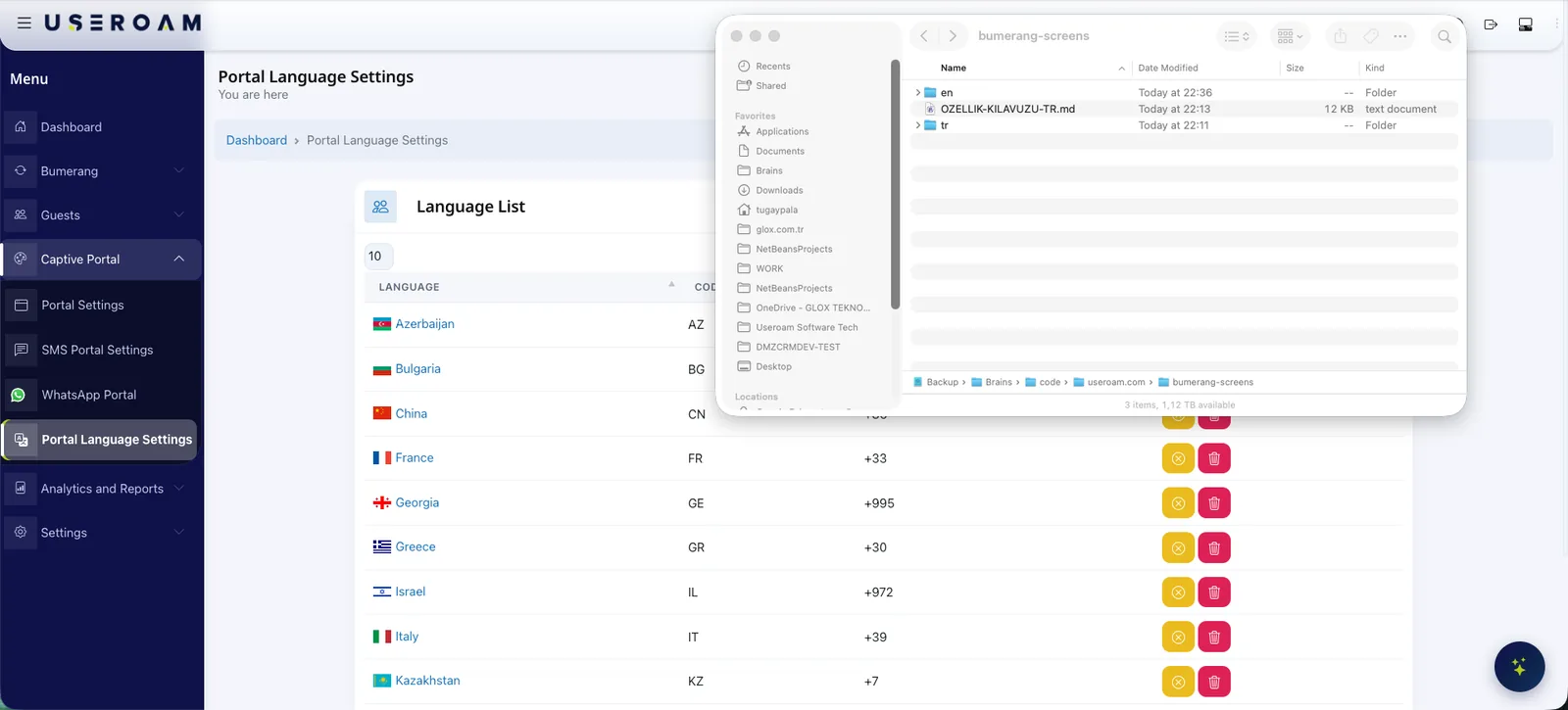
For a hotel or café in a tourist area, the language of the welcome screen directly affects how many guests complete the login. A guest who does not understand the screen abandons verification; one who reads it in their own language finishes it. In Useroam, portal copy is stored per language — translations are generated for you, and you can correct any sentence by hand.
For the full picture of the platform: Guest WiFi features
Where it applies
Welcome screen
Login copy, button labels and the consent text are stored per language.
Post-login screen
The welcome line, social card copy and browse button are translated too.
Surveys
Survey titles, questions and options appear in the guest's language.
QR menu and hotel portal
Other guest-facing surfaces use the same language support.
Full translation, never half
A screen that is half translated reads worse to a guest than one that was never translated at all. So for multi-part content such as surveys, a translation is used only when the title and every question are ready; if anything is missing the screen falls back to the source language as a whole. Guests never see a mixed screen.
Good to know
- Portal copy is per device — every site can edit its own text.
- For right-to-left scripts such as Arabic and Persian, the layout flips, not just the text.
- Translations are generated automatically and any sentence can be corrected in the panel.
- The WhatsApp verification message currently uses approved templates in 7 languages; the welcome screen works in 22.
Other guest WiFi features
This capability does not stand alone; these are parts of the same portal, managed from one panel.
See it on your own network.
Let us set up your welcome screen together in a demo environment — and try the login flow on your own phone.
Frequently asked questions
How many languages are supported?
Can I correct the translations myself?
How is the guest's language chosen?
Are surveys translated as well?
Related guides
What Is a Captive Portal and How Does It Work?
The captive portal is the sign-in screen guests see when they join your WiFi. Here is how it works, what it does for your business and why cloud-based portals win.
Hotel In-House Services: Digital Guest Engagement
From room service to late checkout, digital in-house service lets hotel guests make every request from their phone — cutting reception load and raising satisfaction.
What Is a QR Menu? Digital Menu Guide for Restaurants
A QR menu gives diners instant, contactless access to your menu from their phone. How it works, why it beats print and how it pairs with guest WiFi.