GUEST VERIFICATION
WhatsApp login for guest WiFi
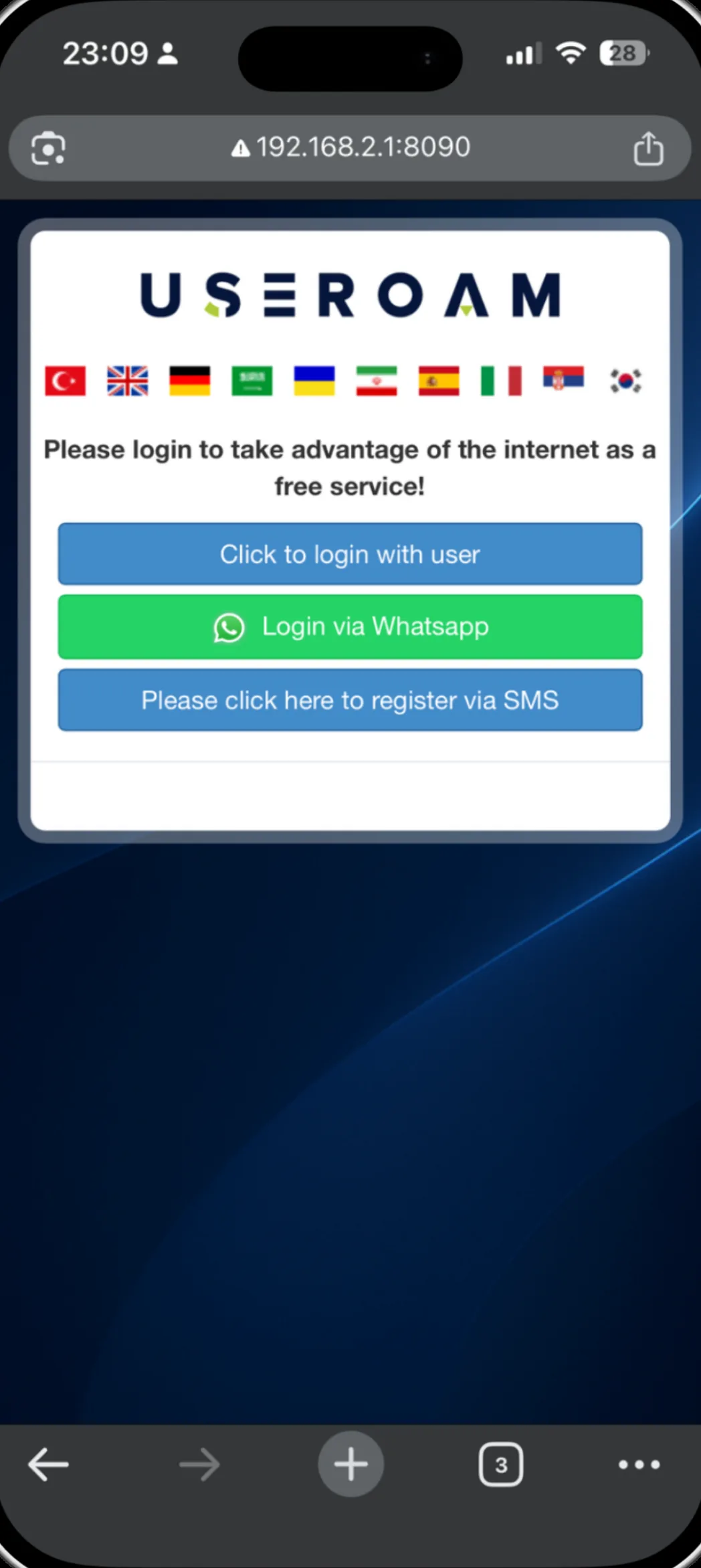
The guest taps once, sends a prepared WhatsApp message and connects. On iOS the login completes by itself the moment the message is delivered.
What is WhatsApp login for a captive portal?
WhatsApp verification confirms the guest's number over WhatsApp instead of SMS. The guest taps the button on the welcome screen, WhatsApp opens with a prepared message, and the number counts as verified the moment that message reaches us. There is no code to memorise, copy or carry back between apps.
For the full picture of the platform: Guest WiFi features
Four steps on the guest side
Joins the network
The guest connects to your WiFi and the welcome screen opens.
Taps the WhatsApp button
WhatsApp opens with the message already written; there is nothing to type.
Sends the message
The number is verified as soon as the message reaches Useroam.
Goes online
On iOS the login completes automatically on delivery confirmation; on other devices the guest returns to the portal and the session opens.
Why guests reach for WhatsApp
SMS can be delayed on some networks and may never arrive on foreign numbers. WhatsApp verification runs over the internet, so it avoids those problems and presents an interface guests already know. You can enable both methods on the same portal and let the guest choose.
Good to know
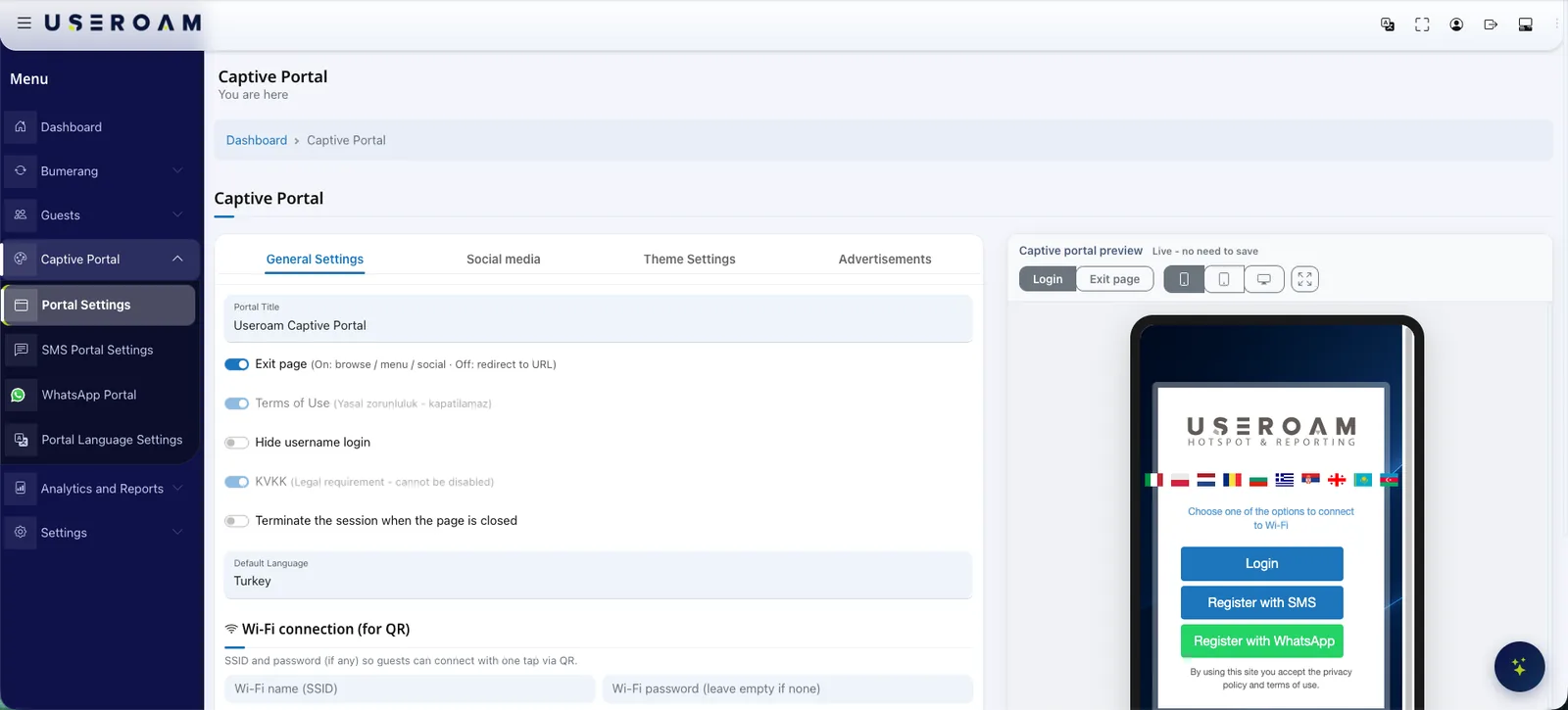
- WhatsApp verification is provided free of charge; you do not need your own WhatsApp Business account.
- The verification message uses a Meta-approved template, currently available in 7 languages.
- Automatic login on iOS relies on the delivery confirmation reaching the portal; on a slow network the guest can simply return to it.
- WhatsApp and SMS can be enabled together — if one fails, the guest switches to the other.
Other guest WiFi features
This capability does not stand alone; these are parts of the same portal, managed from one panel.
See it on your own network.
Let us set up your welcome screen together in a demo environment — and try the login flow on your own phone.
Frequently asked questions
Do I need to connect my own WhatsApp account?
Is WhatsApp login charged separately?
What if the guest does not use WhatsApp?
Which languages are supported?
Related guides
WiFi Authentication with SMS and WhatsApp Verification
How phone-based guest WiFi verification works over SMS and WhatsApp — what each method offers, when to use which, and how sessions are logged.
Customer Win-Back Campaigns with WhatsApp and SMS
Most guests never return — not because of bad service, but because nobody invited them back. Automated WhatsApp and SMS win-back campaigns fix that.
What Is a Captive Portal and How Does It Work?
The captive portal is the sign-in screen guests see when they join your WiFi. Here is how it works, what it does for your business and why cloud-based portals win.