DATA
Guest WiFi analytics
How many people came in, how many came back, when is the busiest hour? Your guest WiFi already answers these questions — reporting makes the answers visible.
What data does guest WiFi produce?
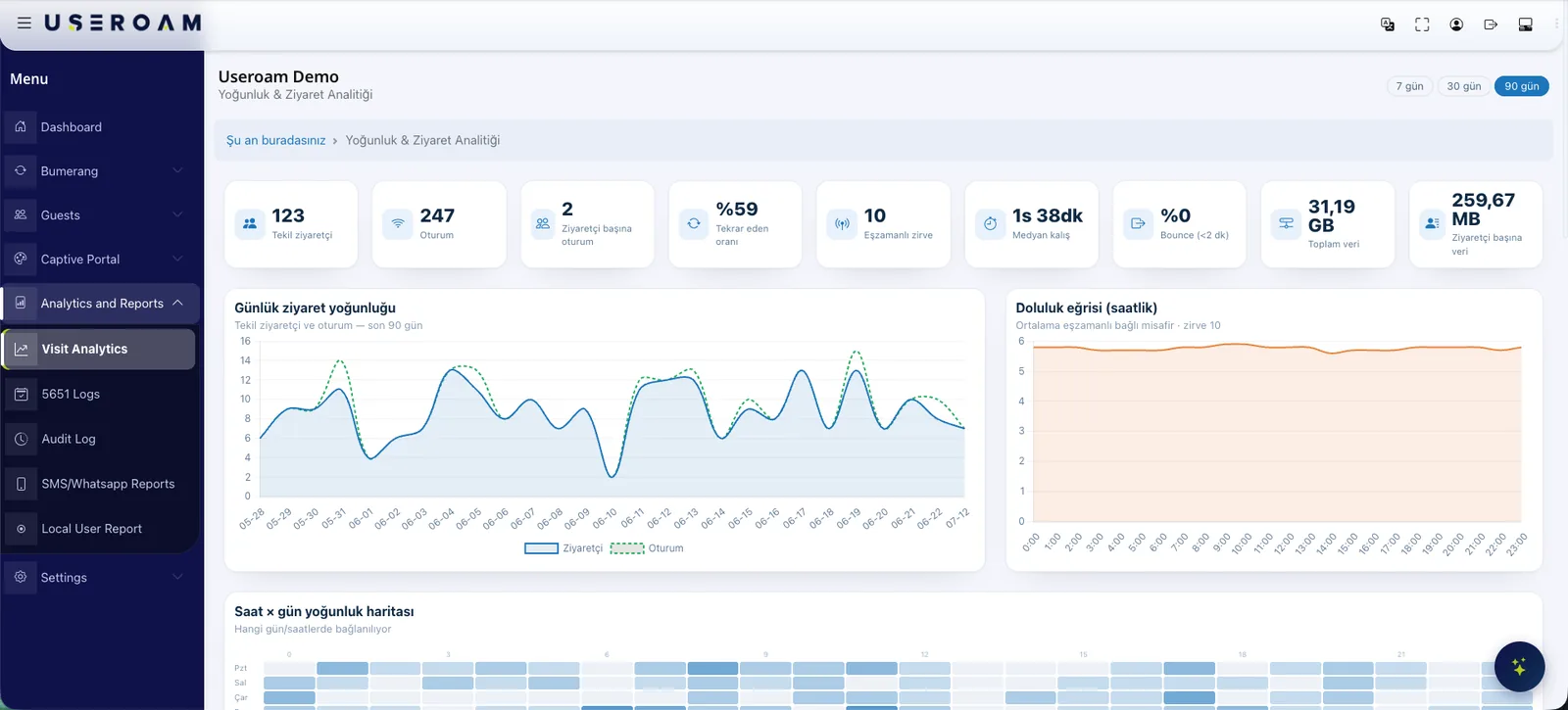
Every verified login leaves a record: when, at which site, through which method. Put together, those records draw a picture of your traffic — unique visitors, the share of returning guests, the busiest hours of the day and week. Without a footfall counter or a separate analytics product.
For the full picture of the platform: Guest WiFi features
What the reports show
Visitors and sessions
Unique visitors, total sessions and average session length.
Repeat visits
First-time versus returning guests, compared across periods.
Density heatmap
A day-and-hour heatmap you can staff against.
Audience profile
Age-range distribution and site-by-site comparison.
Take the report with you
Reports do not have to stay on screen. Visit, campaign and survey reports export to CSV, XLSX or PDF so you can move them into your own presentation and analysis tools. In multi-site estates each location sees its own data while head office compares them all.
Good to know
- Reports are isolated per device and per account; one site never sees another's data.
- Guest records are stored together with their consent status — only permitted records are used for marketing.
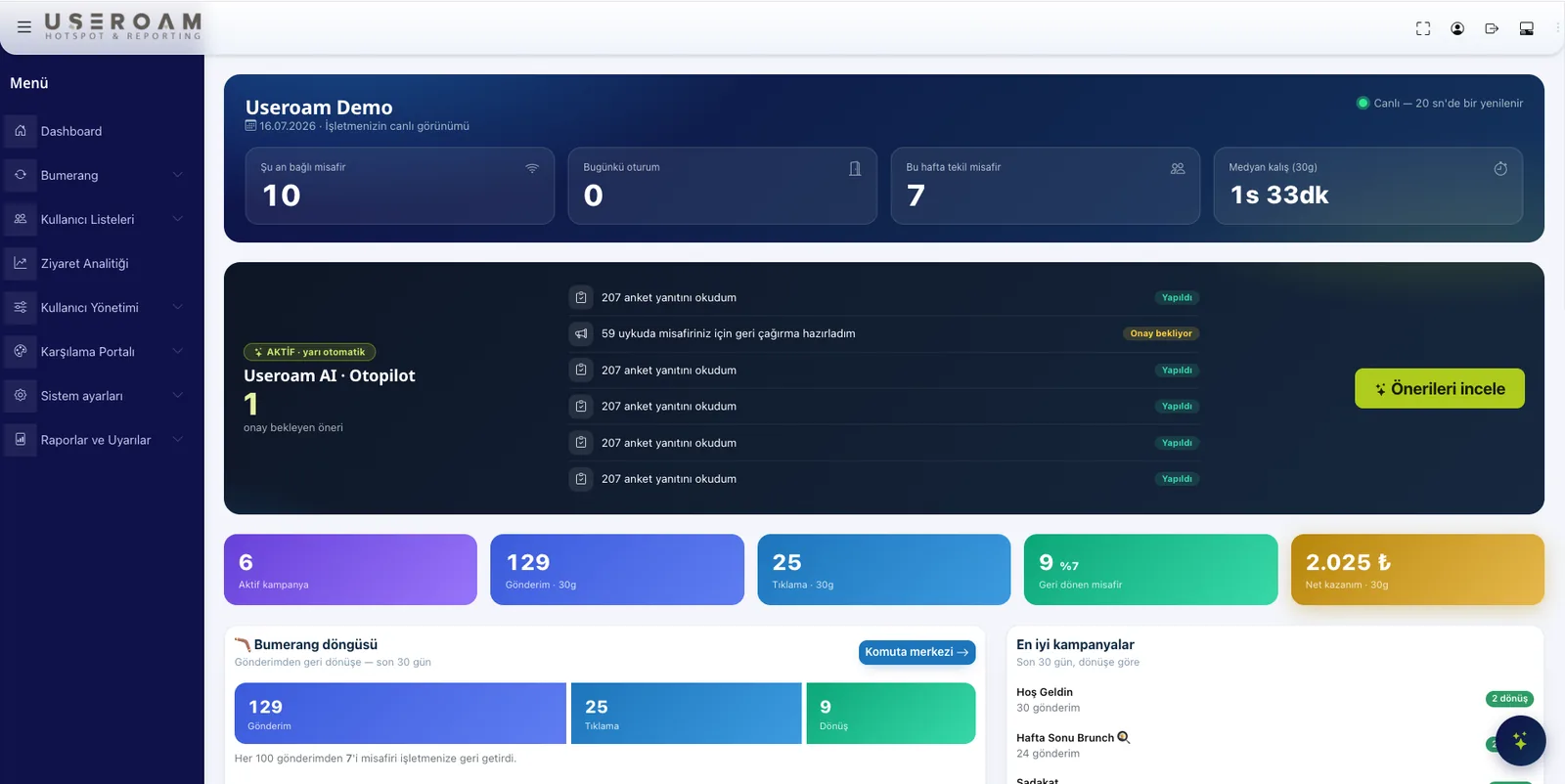
- Visit data sits beside campaign and survey results in the same panel.
- Legal retention of access records runs separately; reporting does not replace it.
Other guest WiFi features
This capability does not stand alone; these are parts of the same portal, managed from one panel.
See it on your own network.
Let us set up your welcome screen together in a demo environment — and try the login flow on your own phone.
Frequently asked questions
How is a visitor counted?
Can I export reports?
How do reports separate in a multi-site business?
Can I use this data for marketing?
Related guides
Customer Segmentation with WiFi Data: A Practical Guide
Stop sending the same SMS to everyone. WiFi data lets you segment guests by visit frequency, language and behavior — and target each group with the right message.
What Is WiFi Marketing? Turn Guest WiFi into Revenue
WiFi marketing converts the consented data your guest WiFi collects into campaigns, surveys and loyalty — turning one-time visitors into measurable revenue.
Multi-Location WiFi Management for Chains and Groups
Separate hotspot boxes per branch do not scale. Centralized cloud management brings every location — branding, logging, reporting — into one dashboard.