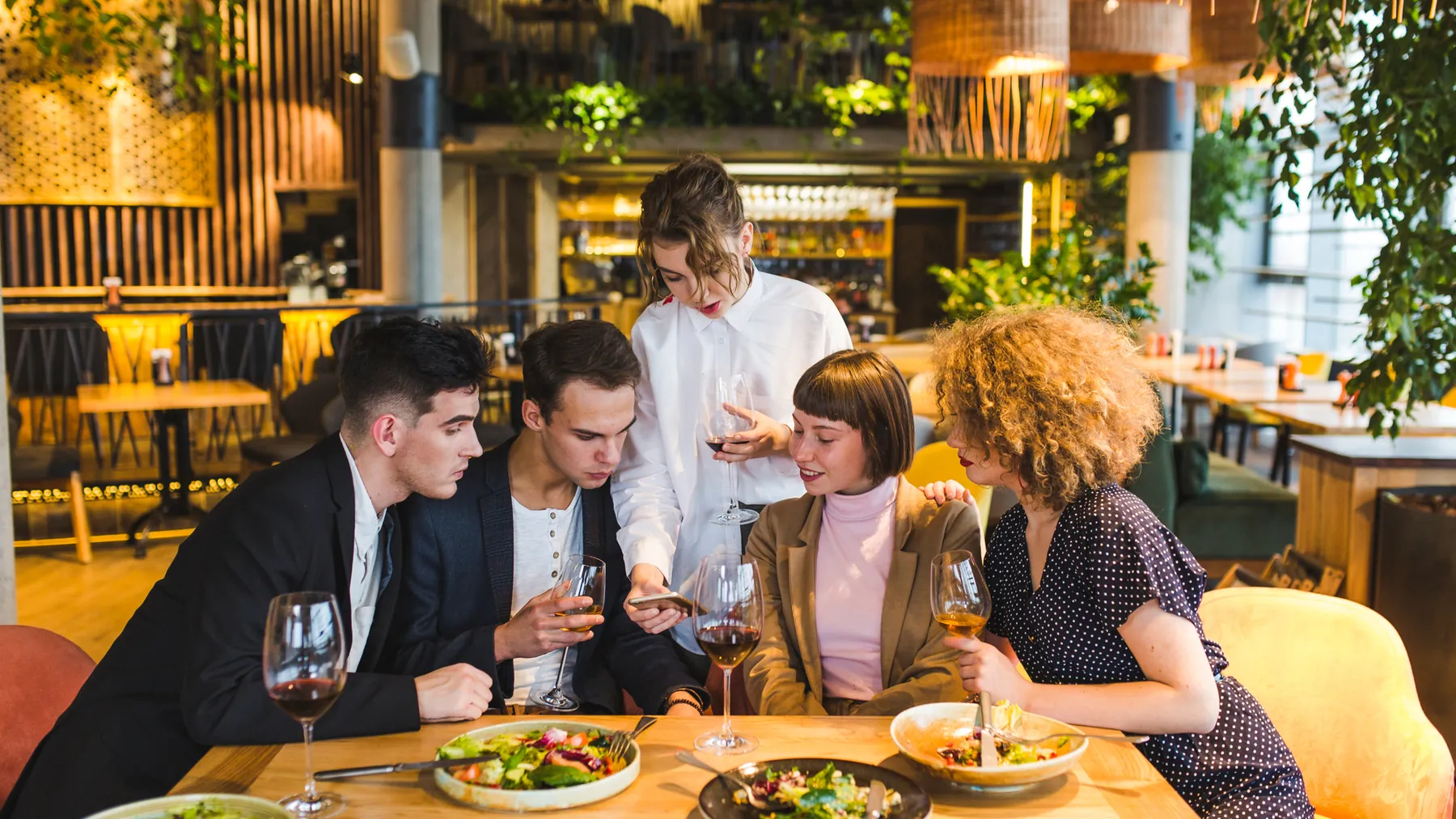
CAFE & RESTAURANT WIFI
The phone at the table
now works for you.
Useroam connects your cafe's WiFi and QR menu into a single flow: guests browse the menu, order from the table and leave permissioned data. Campaigns bring them back; surveys grow your Google reviews.
How does guest WiFi work in a cafe or restaurant?
In a cafe the guest WiFi is set up as a single loop. A guest joins the network and identifies themselves on a branded welcome screen — a one-time code over SMS or WhatsApp, or a voucher code — access opens, and the session enters access records signed daily with an RFC 3161 timestamp, kept as local regulation requires. The same flow opens the QR menu on the table: categories, product photos, allergen details, table ordering and a waiter call button. As the bill closes, a short satisfaction survey goes out; happy guests are routed to your public review page while unhappy ones land in an internal feedback channel, so a bad experience is resolved before it becomes a public review. The permissioned data that builds up drives WhatsApp and SMS campaigns — a welcome after the first visit, a reminder for guests who have not returned, coupons and loyalty offers. All of it runs from the cloud, on the router or firewall you already have.
From WiFi to review: a four-step loop
QR menu
Guests scan the QR at the table and an app-free, multilingual menu opens. Price and product changes go live from the panel in seconds — zero printing costs.
Table ordering
Orders and waiter calls come from the same screen; you see what each table wants in real time, and service speeds up.
Loyalty
Every guest who connects becomes permissioned data. Welcome, "we miss you" and nth-visit campaigns go out automatically over WhatsApp/SMS.
Google review
A smart survey routes happy guests to Google reviews — and unhappy feedback reaches you before it spreads.
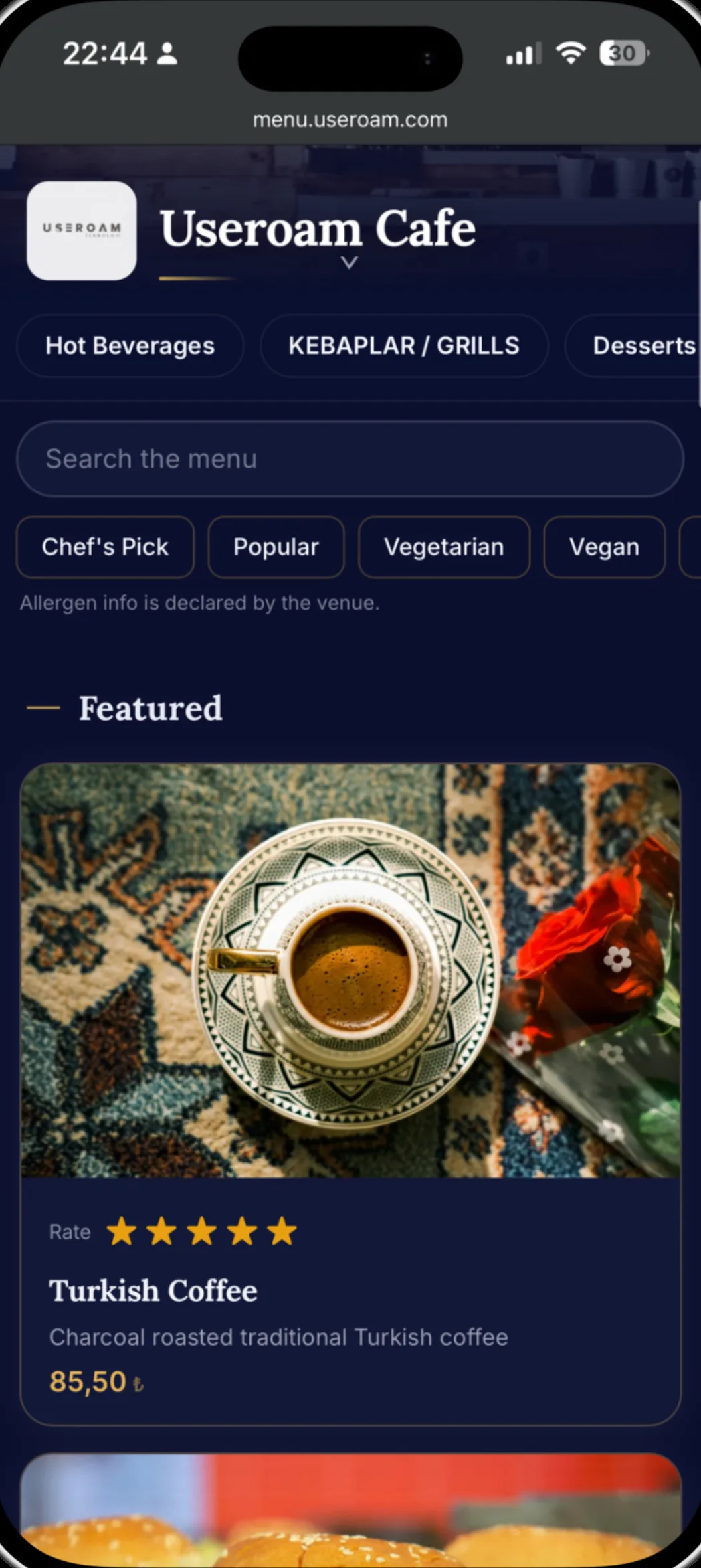
What the guest sees: your brand's menu
The QR menu wears your venue's theme: categories, tag filters, allergen information, product photos and campaign coupons on one screen. With 22 languages, visiting tourists order in their own language too.
What you see: a menu that reports back
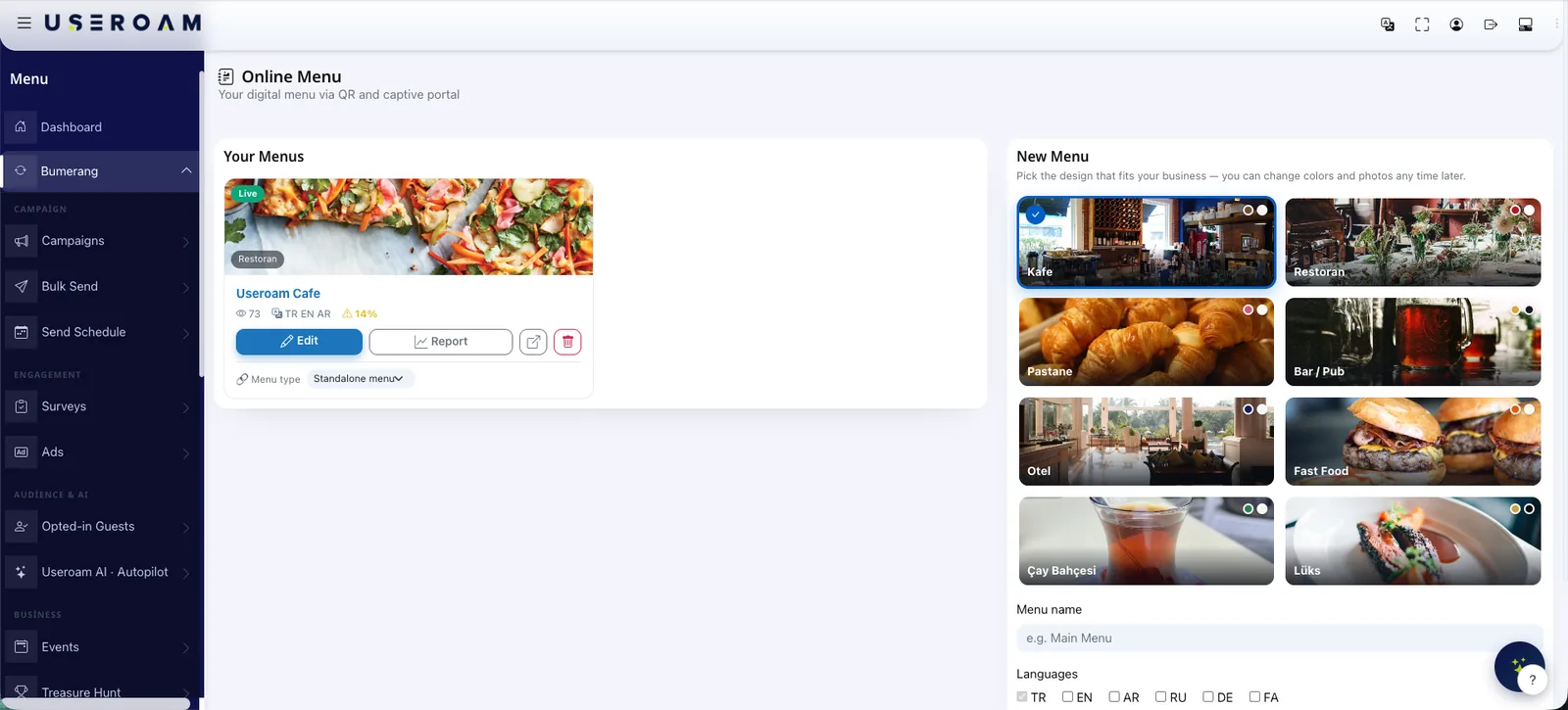
A printed menu ages and tells you nothing. The Menu Studio turns every view into insight, and AI menu scanning and translation cut setup down to minutes. Stop guessing, start seeing:
- Most viewed and preferred products — build campaigns on data
- Table-level preference reports
- Hour-by-hour sales analysis for shift and stock planning
- Mini surveys inside the menu
Beyond the menu: the return engine
Bring departing guests back
Most guests never return — not because of bad service, but because nobody said "come back soon". Set the scenario once; coupons, clicks and returns are measured in the panel.
- Welcome, we-miss-you and loyalty scenarios
- WhatsApp and SMS in one panel
- 14-day return tracking
Feed your reviews from your WiFi
Smart routing works on the survey score: happy guests write on Google, unhappy ones talk to you. Branch-level scores show how each location is doing.
- Smart review routing
- NPS and satisfaction scores
- Branch-level comparison
Let your menu produce data and your WiFi produce revenue.
Let's load your menu together in a demo environment — and set up your first campaign the same day.
Frequently asked questions
Do guests pay to sign in?
Does it work for a small cafe?
Is the QR menu hard to update?
Related guides
What Is a QR Menu? Digital Menu Guide for Restaurants
A QR menu gives diners instant, contactless access to your menu from their phone. How it works, why it beats print and how it pairs with guest WiFi.
How to Get More Google Reviews with WiFi Surveys
The reliable way to grow Google reviews: ask happy guests at the perfect moment and resolve unhappy ones internally — all through your guest WiFi.